
A daily log is a record of daily activities and events or tasks that mainly helps to track progress for both personal and professional details. One can maintain this document either in written format or as an electronic document, including the details of the tasks that are completed, challenges in completing the tasks, decisions that have to take place, and other details. It makes maintaining historical data easy and lets you track everything in a few simple steps. Find the best daily log samples and example formats in DOC, Google Docs, PDF, and other formats at Docsi. Select and download the best template to maintain the daily log and track everything!
Daily Log Templates to Download in MS Word, Google Docs
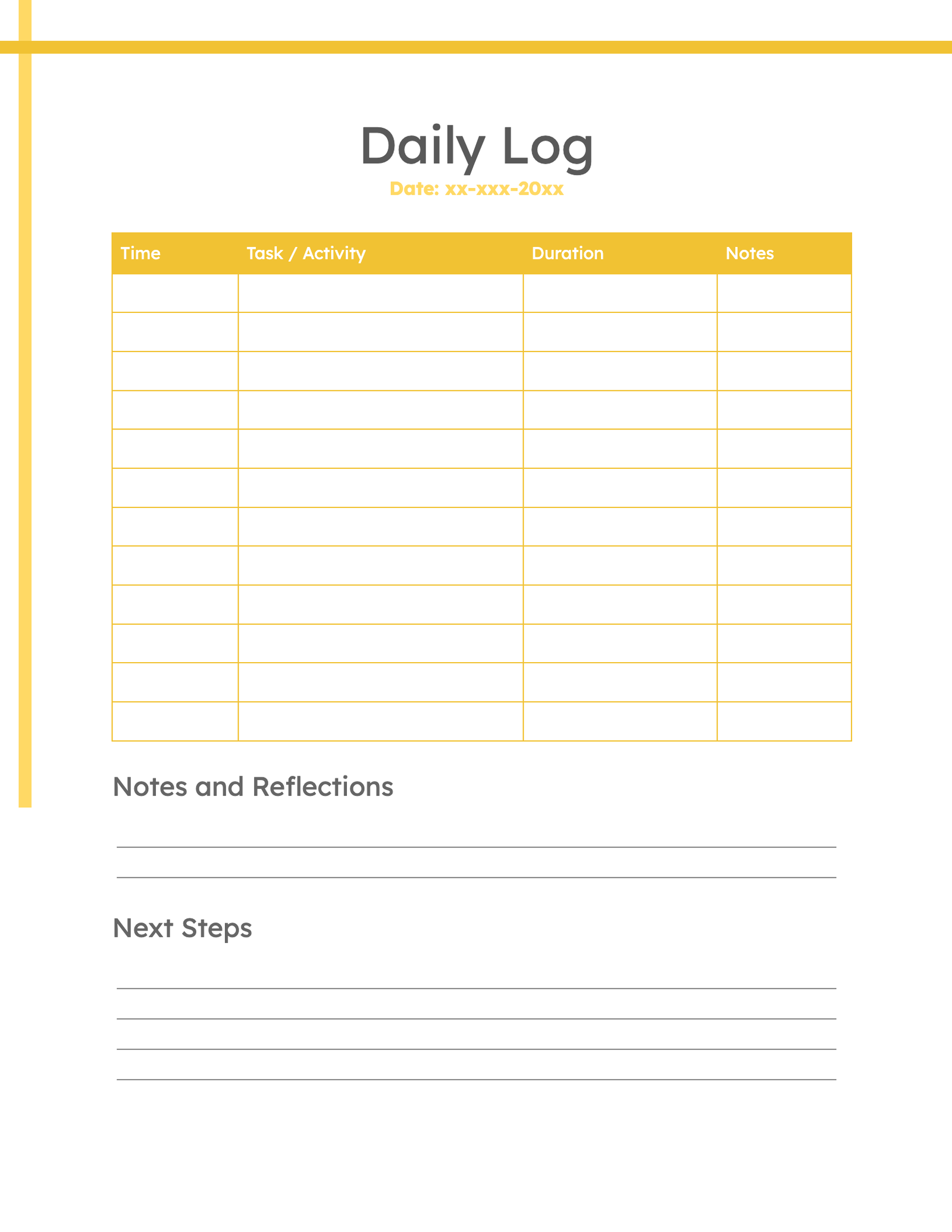
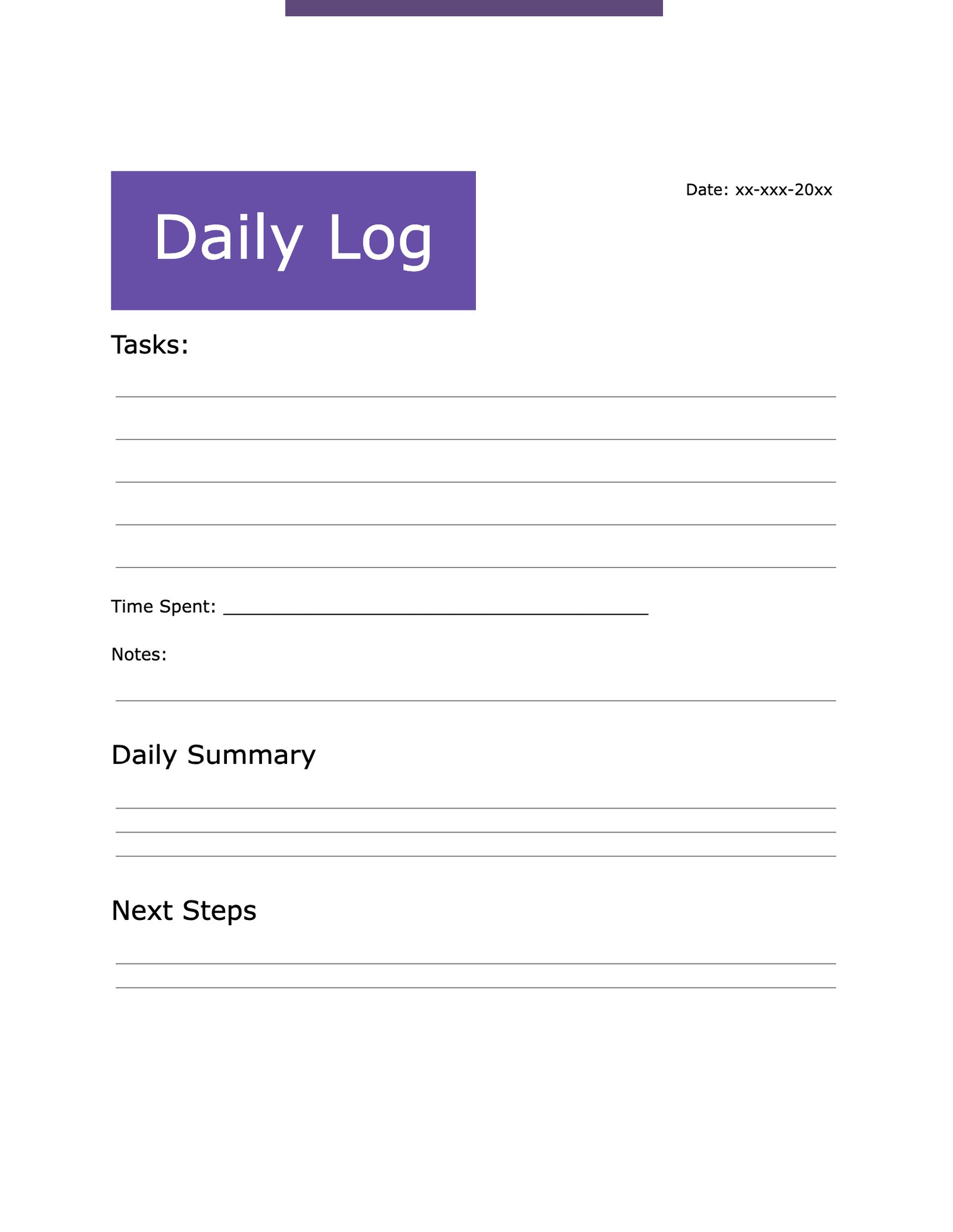
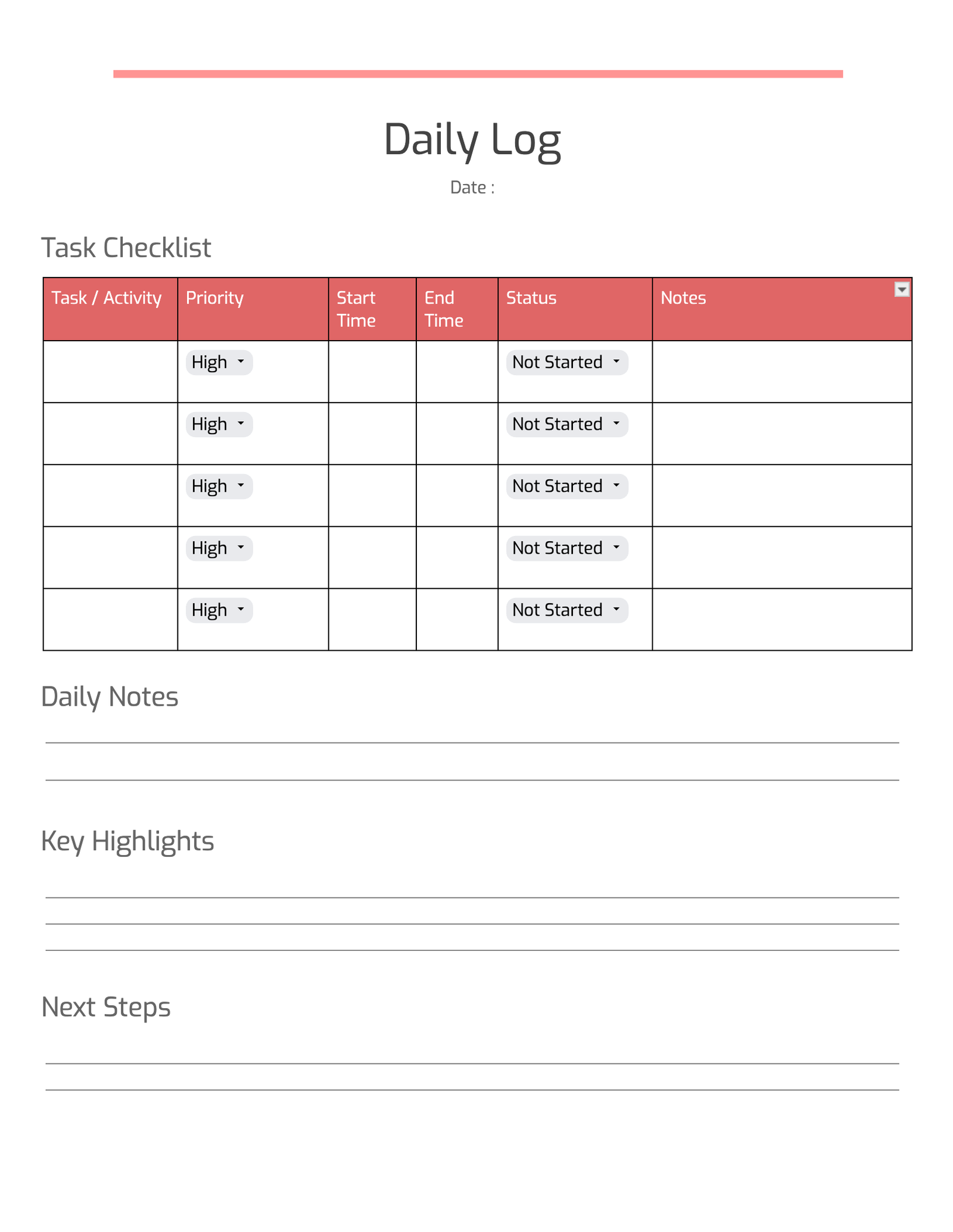
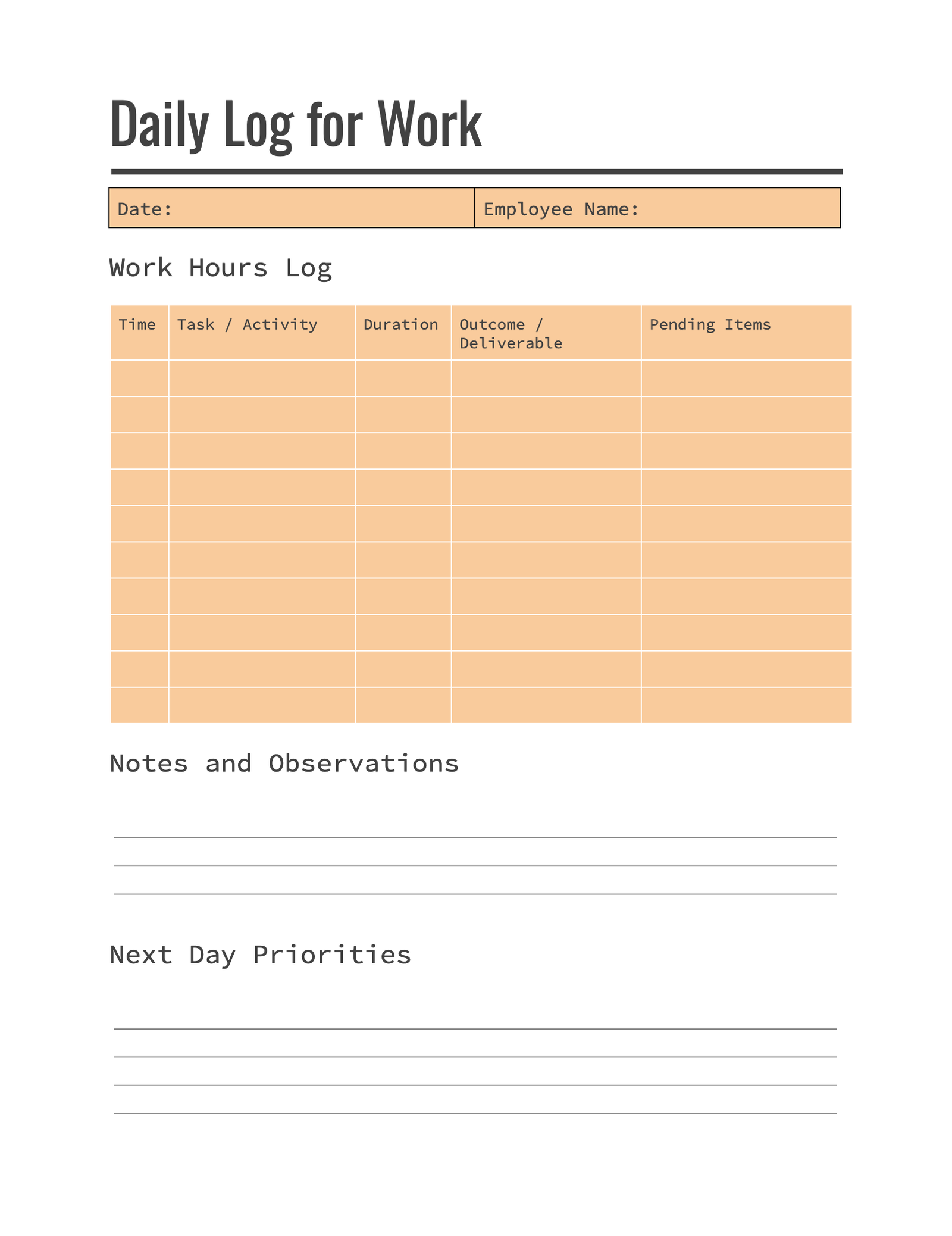
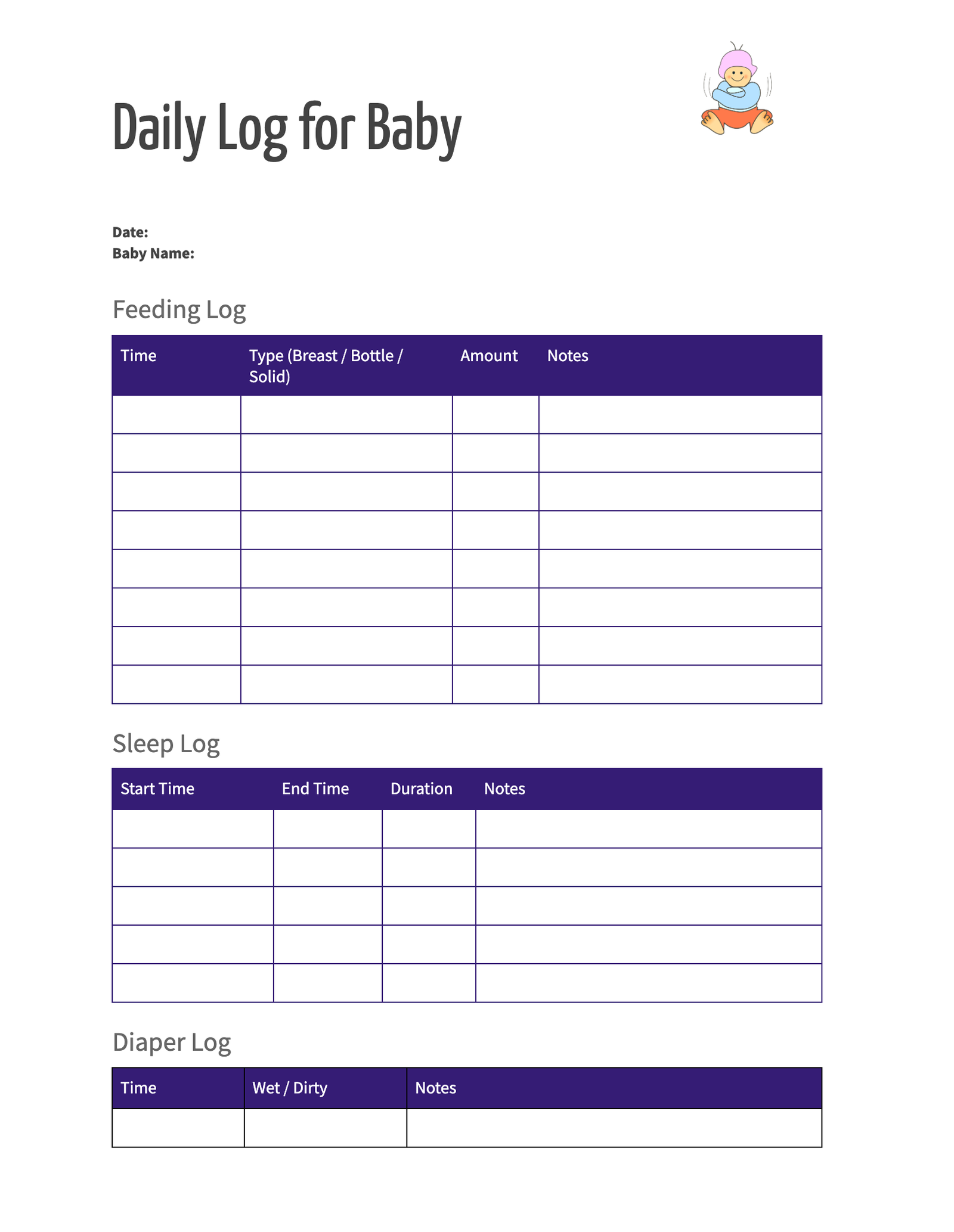
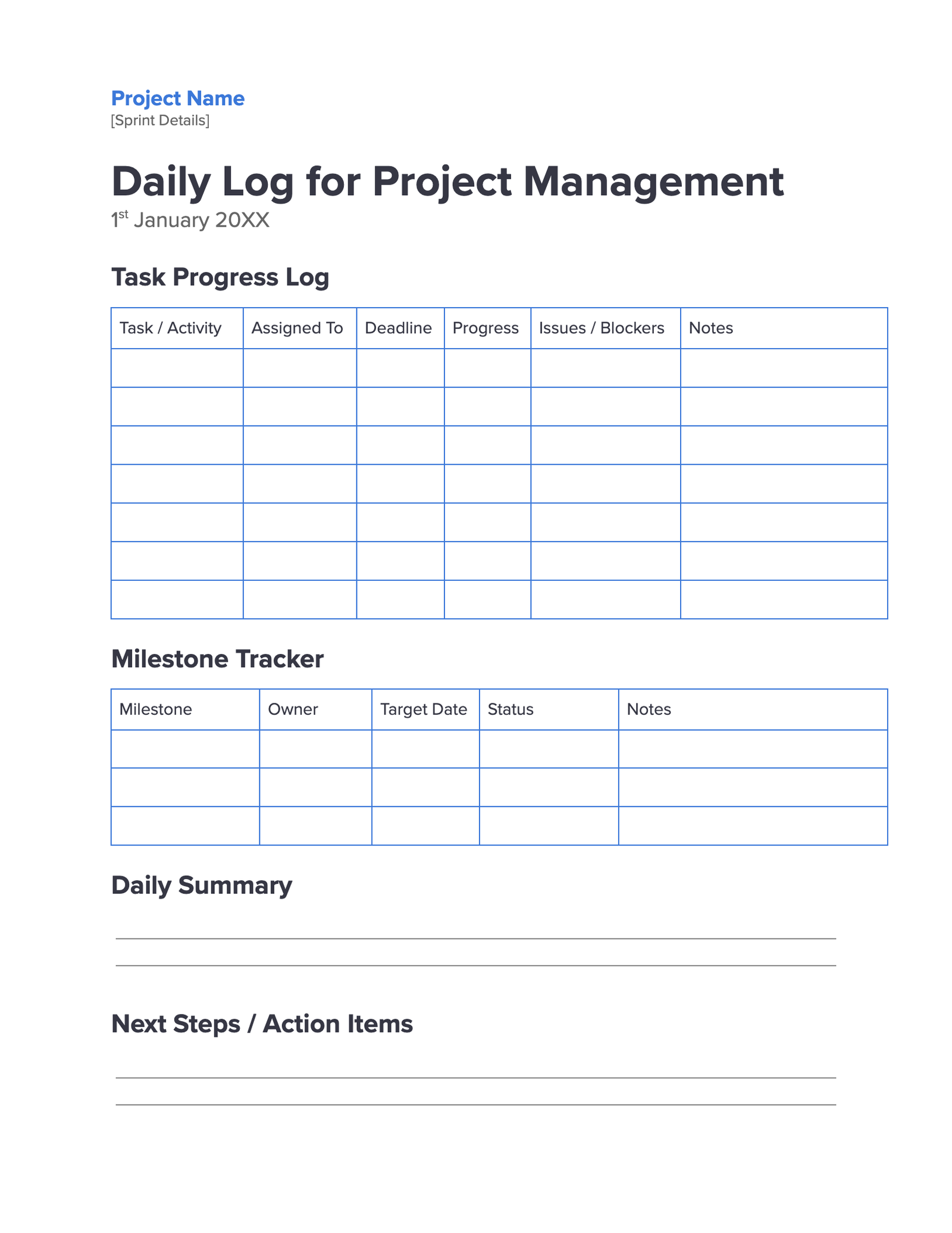
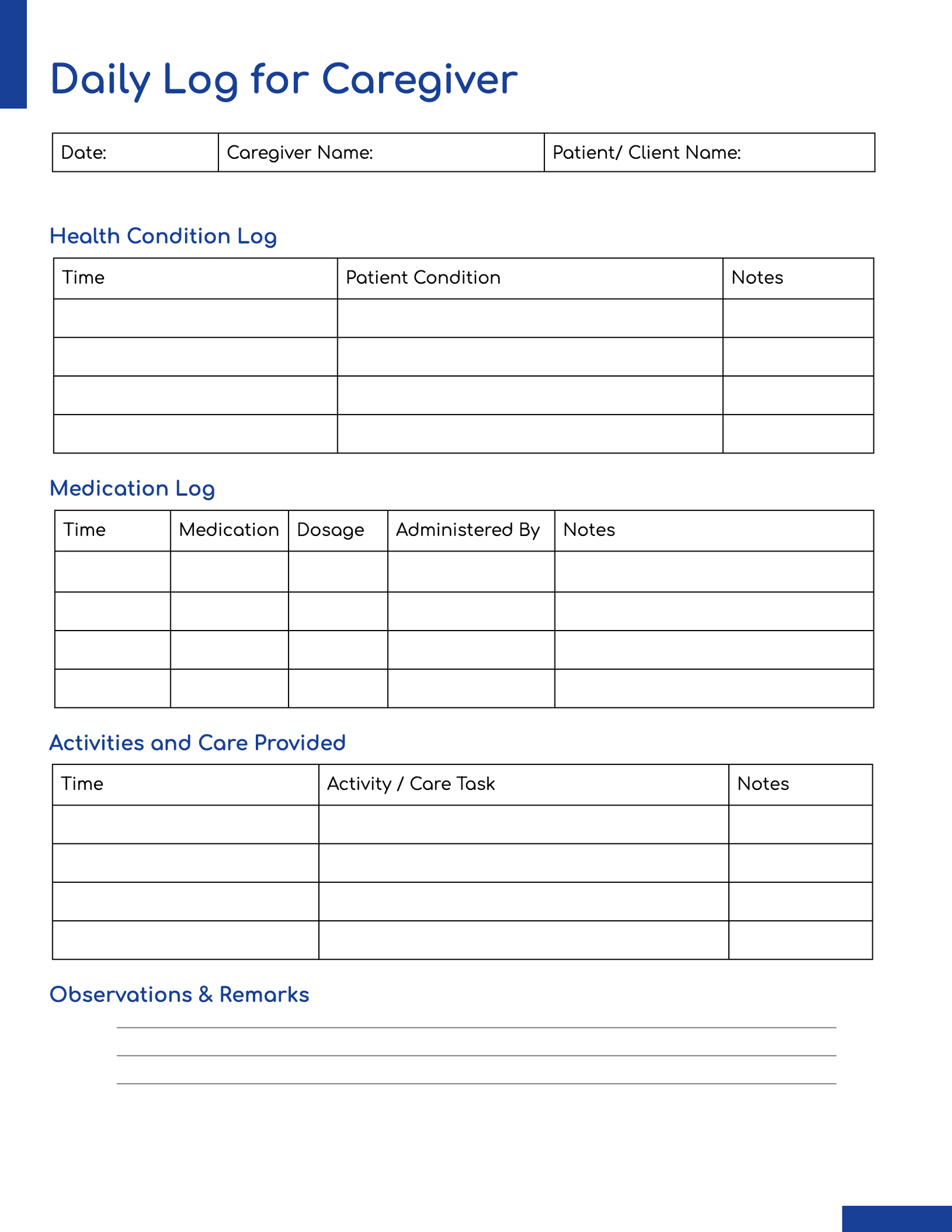

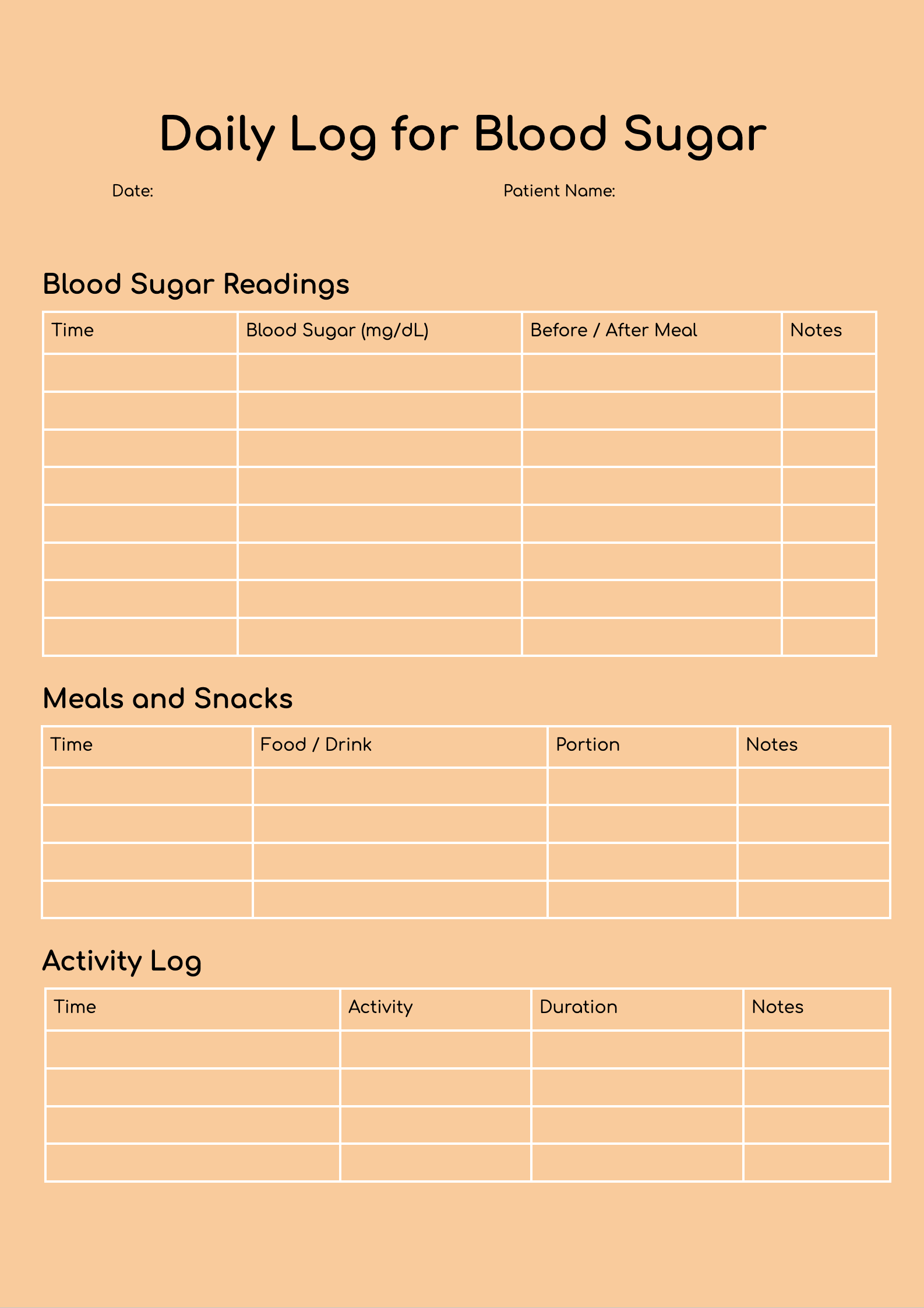
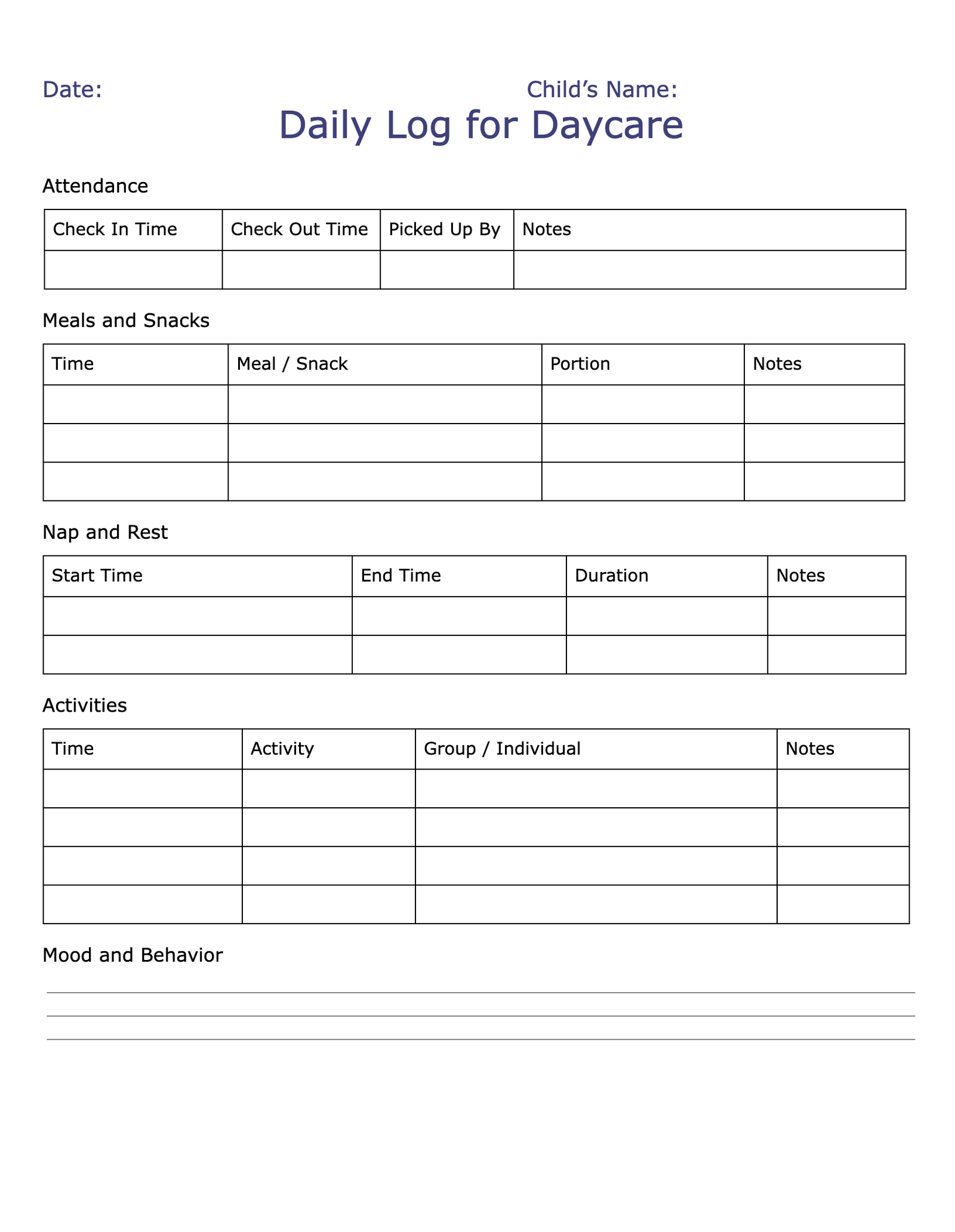
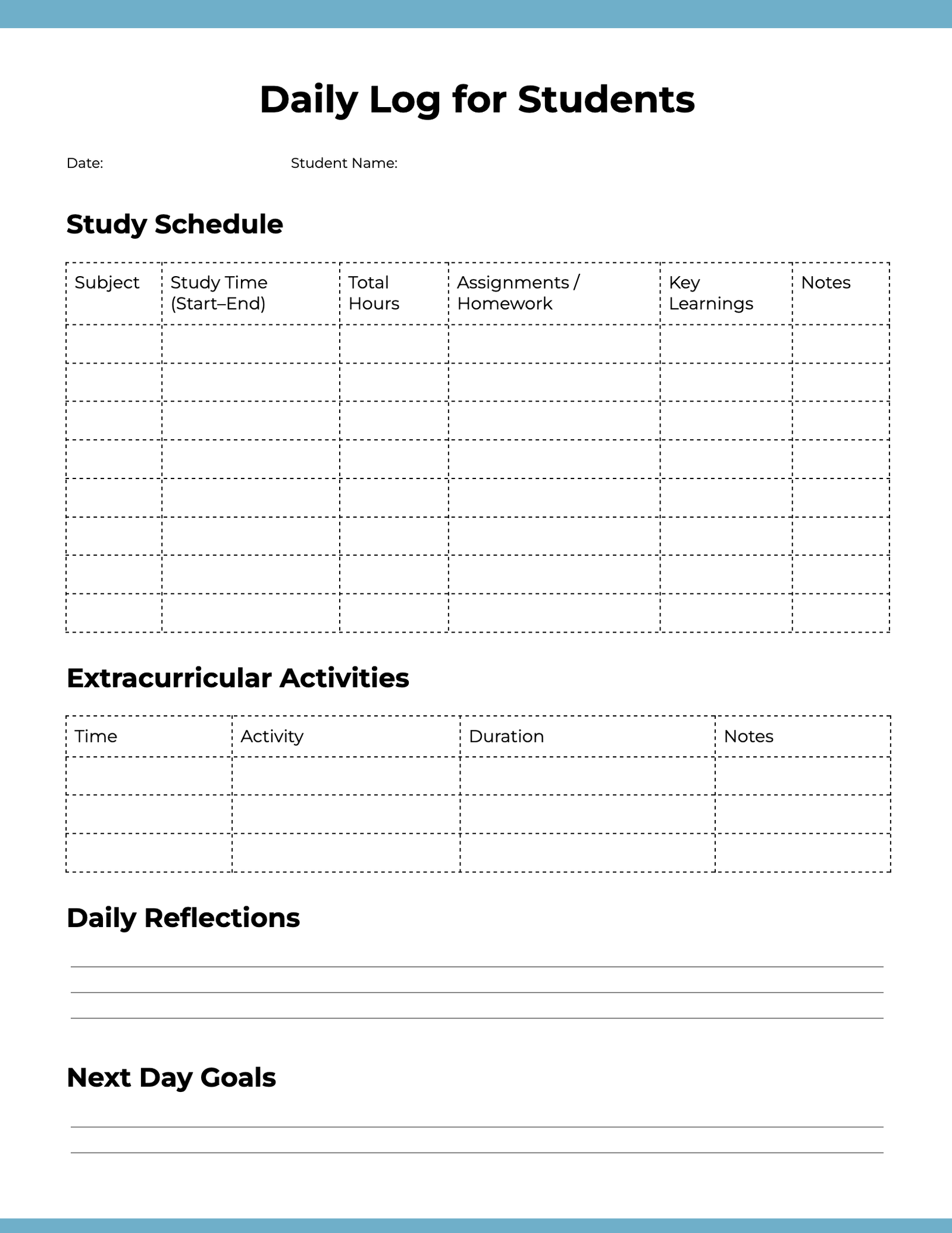
The Daily Log Format
A daily log is a record of the activities, progress, challenges and other details. It helps you stay organized and track productivity.
Here find the step by step daily log:
1. Start Writing the Daily log
Start writing the daily log with the date and times.
Example:
Date: November 1st, 2025
Day: Saturday
Time: 9:00 AM – :00 PM
2. Record Your Activities
Write the activities and other details planned for the day. Try to be specific and write them in brief:
Example:
- 9:00 AM – 10:00 : Check emails and respond to clients
- 10:00 AM – 12:00 : Work on keyword research for client website
- 1:00 PM – 3:00 PM : Team meeting on new SEO campaign
- 3:00 PM – 5:00 PM : Prepared performance report
3. Add Notes
Add the important insights in the notes section.
Example:
- Found long tail keywords which are having the high search volume
- Checked website technical issues and escalated the issues to the dev team.
4. Write a Short Summery
Write the summary about how the day went along with the details about what needs to be done further focusing on the improvement.
Example:
- Productive day overall, completed all key tasks.
- I need to allocate more time for technical audits tomorrow.
Example Format:
| Time | Task | Notes |
| 9:00 AM – 10:00 AM | Checked Emails | Replied to clients |
| 10:00 AM – 12:00 PM | Keyword Research | Got some new long tail keywords |
| 1:00 PM – 3:00 PM | Team Meeting | Discussed in detail about the technical SEO parts |
| 3:00 PM – 5:00 PM | Performance Report | Prepared performance report |
How to Write a Daily Log?
While writing a daily log, start it from the date as the header and then list your tasks that you have done throughout the entire day. You can also consider making it a to-do list that reflects your day-to-day activities or a combination of both. Consistently writing and maintaining the daily log is of utmost importance to track the activities.
- Date:
Give a proper date at the top of the daily log.
- Keep it detailed:
Check and list all your thoughts, tasks, and ideas.
- Track Key Notes:
List out your main tasks and highlight the most important ones to keep track of them.
- Be honest:
While writing the daily log and include details sincerity.
- Update log everyday:
Always keep your log handy and update log throughout the day.
What is a Daily Log?
A daily log is a manual record or a digital copy that includes the daily activities, tasks, or events. This log of daily activities helps to keep track of the activities and the progress.
What is the purpose of a Daily Log?
The daily log is mainly useful to keep track of productivity as well as maintain a record of the work, learning, and areas of work that need improvement or require rework.
Who should maintain a Daily Log?
A daily log can be handled by students, professionals, managers, or individuals to keep track of business goals and routines.
How is a Daily Log different from a Journal?
A daily log maintains the activities and facts that take place in a day, while a journal maintains the details of personal data, emotions, and experiences.
Can I use digital tools for maintaining a Daily Log?
Yes, you can use digital tools to keep track of the log details, such as Google Sheets, Notion, Excel, Trello, or Microsoft Word. These tools make it easy to organize, search, and update your logs regularly without any delay.